Effective Collaboration Tools for Remote Teams in 2026
The need for effective collaboration tools for remote teams has never been more pressing as remote work becomes a staple in many industries. Teams are looking for tools that facilitate communication, enhance productivity, and foster a sense of community.
This article will explore the most effective collaboration tools for remote teams, examining their features, benefits, and how they can be used to overcome the challenges of remote work, such as maintaining team cohesion and ensuring seamless communication.
Communication Tools for Remote Teams
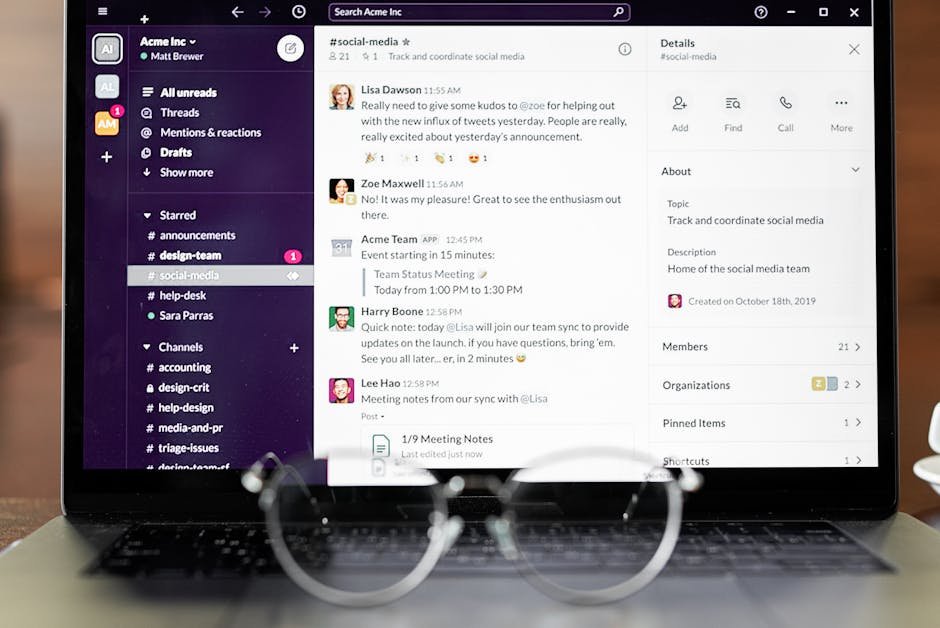
Effective communication is the backbone of any successful team. Tools like Slack and Microsoft Teams have become industry standards, offering features such as real-time messaging, video conferencing, and file sharing.
These tools enable team members to communicate instantly, reducing the need for lengthy email threads and ensuring that everyone is on the same page. Companies that use these tools see a significant improvement in communication and productivity.
Project Management Tools
Project management tools are crucial for remote teams, helping to keep projects on track and ensuring that team members are working towards the same goals. Tools like Asana, Trello, and Jira offer a range of features, including task assignment, progress tracking, and deadline management.
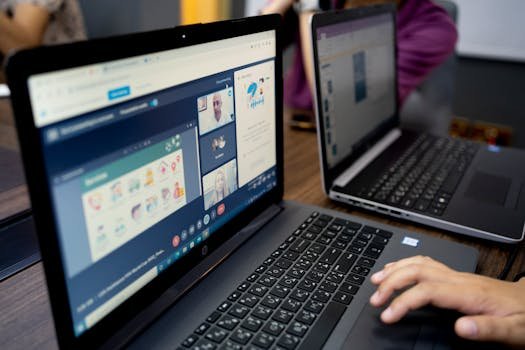
By using project management tools, remote teams can stay organized and focused, even when working on complex projects. For example, a team using Trello can create boards for different projects, assigning tasks and tracking progress in a visually intuitive way.
Key Features of Collaboration Tools
- Real-time collaboration: The ability for team members to work together in real-time.
- Integration with other tools: The ability to integrate with other tools and software.
- Mobile accessibility: The ability to access the tool on-the-go.
- Security and data protection: Robust security measures to protect team data.
Comparison of Popular Collaboration Tools for Remote Teams
| Tool | Key Features | Pricing |
|---|---|---|
| Slack | Real-time messaging, video conferencing, file sharing | Free, $7/user/month (Premium) |
| Microsoft Teams | Real-time messaging, video conferencing, file sharing, integration with Microsoft Office | $4/user/month (Basic), $12.50/user/month (Premium) |
| Asana | Task assignment, progress tracking, deadline management | Free, $10.99/user/month (Premium) |
| Trello | Visual project management, task assignment, progress tracking | Free, $12.50/user/month (Premium) |
Best Practices for Implementing Collaboration Tools
Teams should identify their specific needs and goals before selecting collaboration tools. They should then provide training and support to team members to ensure they are comfortable using the new tools.
By following best practices, teams can maximize the benefits of collaboration tools and improve their overall productivity and effectiveness. Successful implementation requires careful planning and consideration.
Conclusion
The right collaboration tools can enhance communication, productivity, and teamwork for remote teams. By understanding the different types of collaboration tools available and how to implement them effectively, teams can overcome the challenges of remote work.
Collaboration tools will continue to play a vital role in the success of remote teams in 2026 and beyond.
FAQs
What are the most important features to look for in collaboration tools?
The most important features include real-time collaboration, integration with other tools, mobile accessibility, and robust security measures.
How can collaboration tools improve team productivity?
Collaboration tools can improve team productivity by enhancing communication and streamlining workflows.
What are some popular collaboration tools for remote teams?
Popular collaboration tools include Slack, Microsoft Teams, Asana, and Trello.